Create a service key
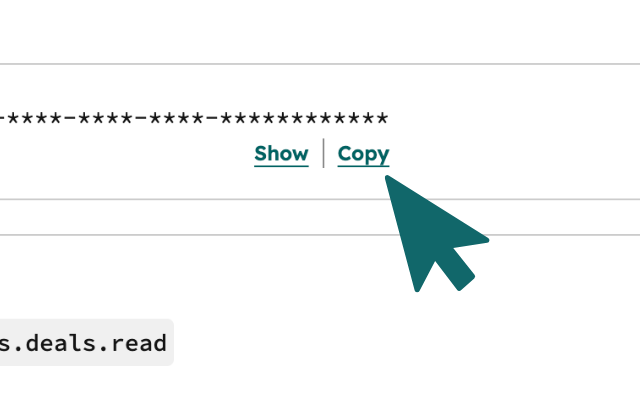
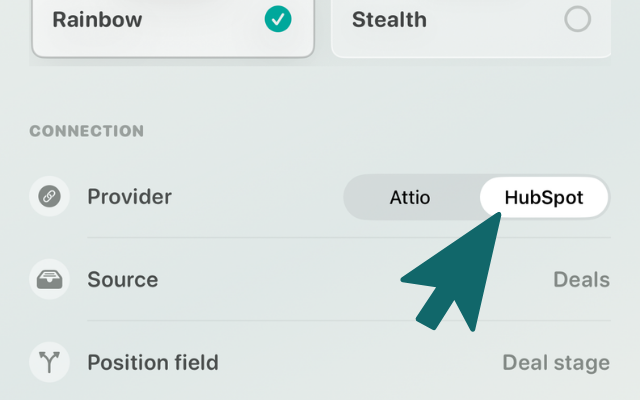
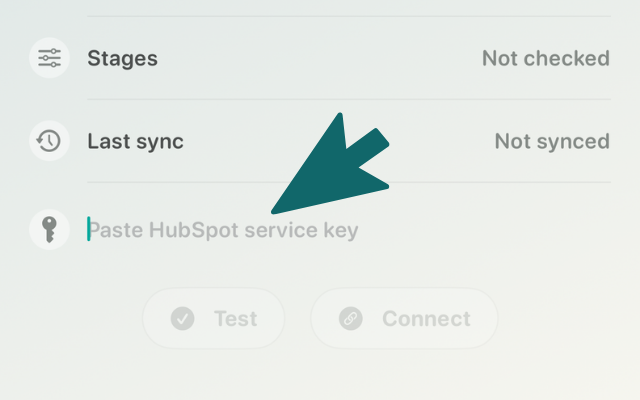
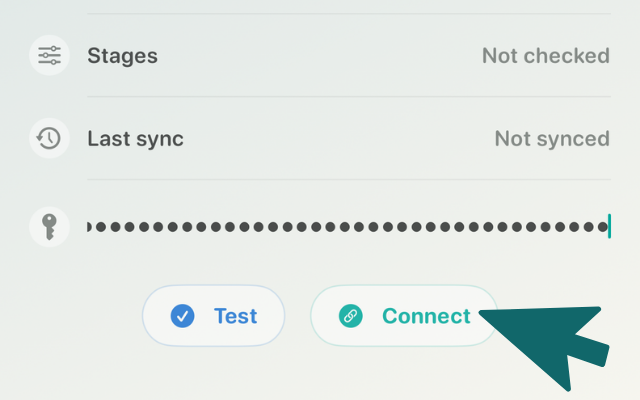
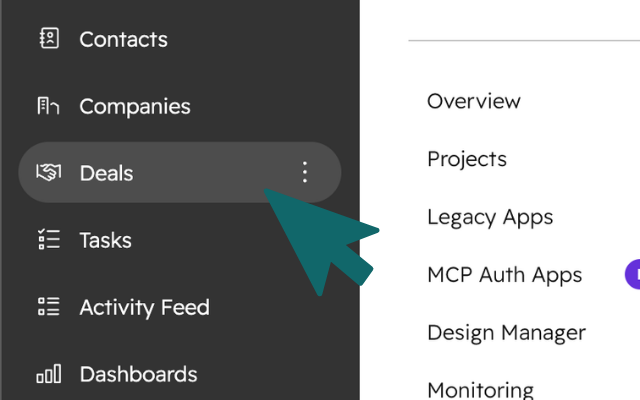
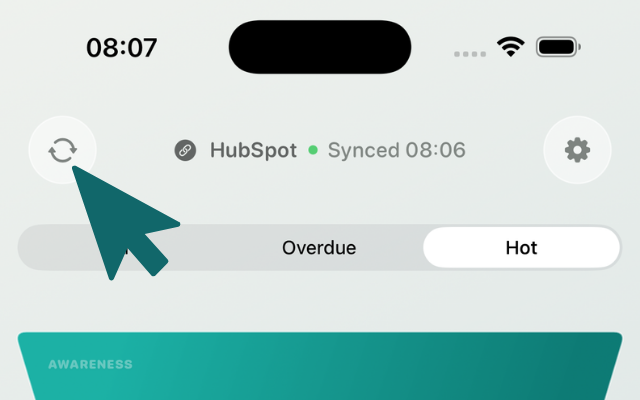
Open HubSpot development settings, create a service key, and make sure Deals, Contacts, Companies and Pipelines can be used. When you connect, Funnel-up stores your CRM credentials only on your device in Apple Keychain, never on our servers.
-
01
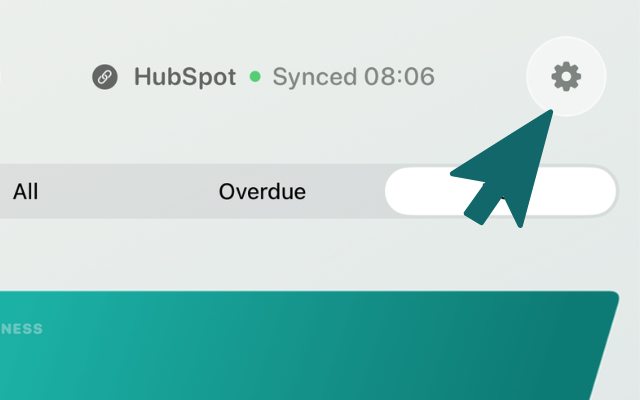
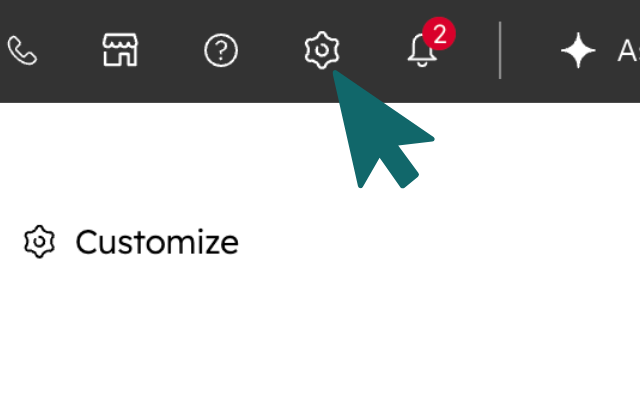
In HubSpot, open the settings page via the gear icon in the top right menu bar.
-
02
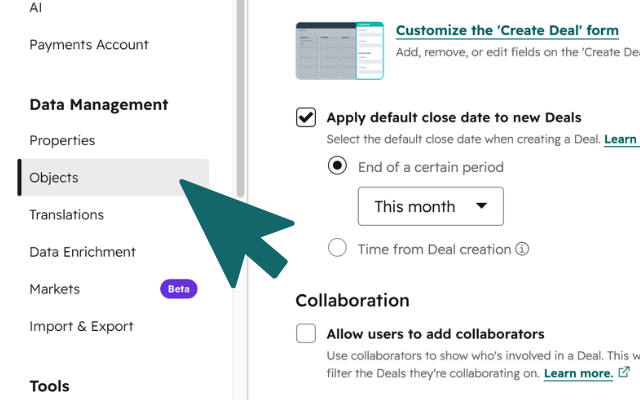
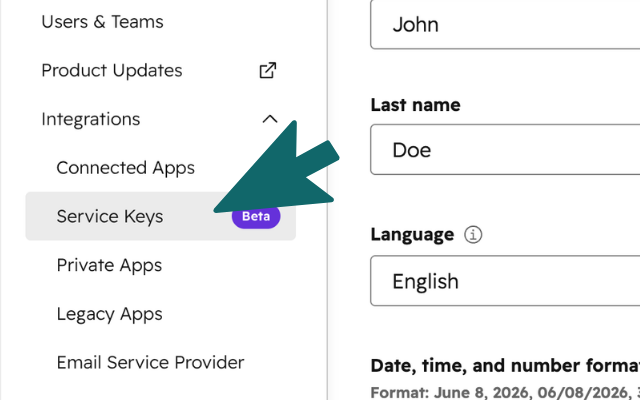
Select the Service Keys option under Integrations in the left sidebar.
-
03
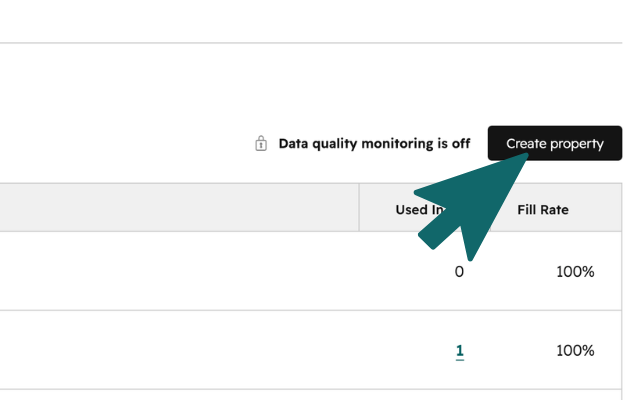
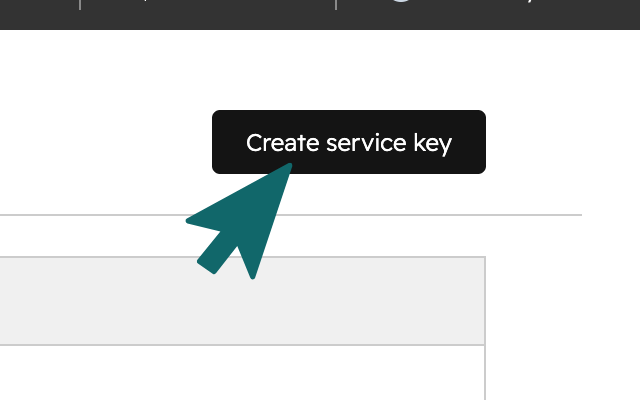
Press Create service key in the top right corner.
-
04
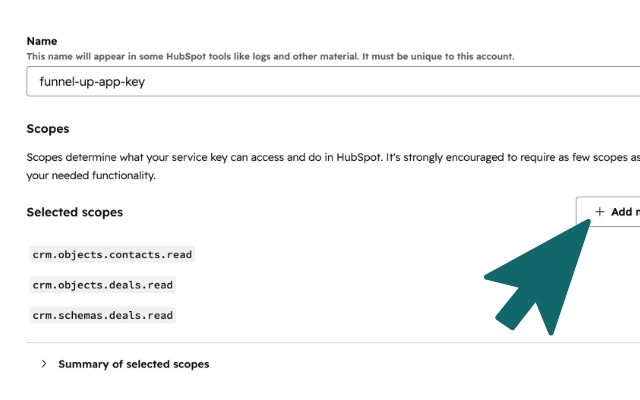
Choose any name and add these scopes. The deals write scope lets Funnel-up update deal stages when you move marbles.
crm.schemas.deals.readcrm.objects.deals.readcrm.objects.deals.writecrm.objects.contacts.readcrm.objects.companies.read
-
05
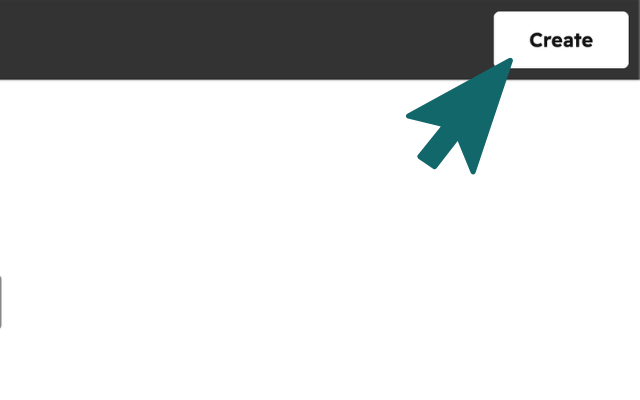
Press Create to save the key settings.